Have you ever accidentally deleted precious photos from your mobile phone? It happens more often than you think. Whether it’s due to a wrong tap, system crash, or phone reset, losing photos can be frustrating and emotional, especially when those pictures are irreplaceable.
But don’t worry-there’s a solution! In this article, we’ll explore the best applications to recover deleted photos from your phone, how they work, and why you should consider using them.
🔍 Why Do Photos Get Deleted?
Before we jump into recovery apps, it’s helpful to understand the common reasons why people lose photos from their phones:
-
Accidental deletion while clearing storage
-
Software update or system crash
-
Virus or malware attacks
-
Phone formatting or factory reset
-
SD card corruption
Fortunately, even after deletion, your photos are not always gone forever. Many apps can scan your phone’s storage and recover deleted images with just a few taps.
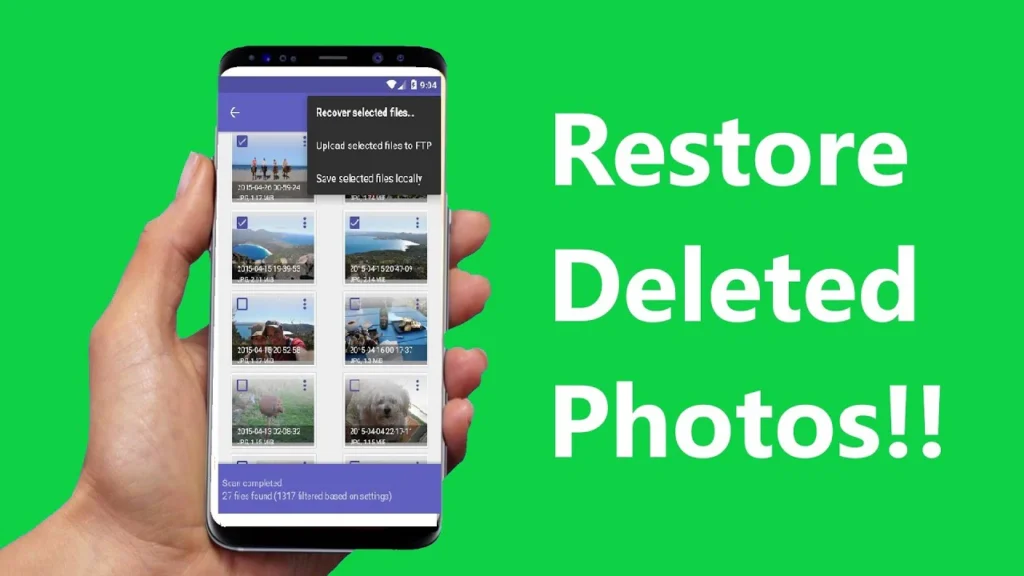
📱 Top Applications to Recover Deleted Photos
Here are some of the most effective and user-friendly apps available for both Android and iPhone users:
1. DiskDigger Photo Recovery (Android)
DiskDigger is one of the most popular apps to recover deleted photos from Android devices.
✅ Key Features:
-
Deep scan and basic scan modes
-
Recover both JPG and PNG images
-
No root required (for basic recovery)
-
Easy to use with preview options
📌 Perfect for users who want a quick and reliable recovery process.


2. Dumpster – Recycle Bin (Android)
Think of a Dumpster as a recycling bin for your phone. Once installed, it keeps a backup of all deleted files, including photos.
✅ Key Features:
-
Auto-backup system for future protection
-
Restore files with one tap
-
Supports videos and documents, too
-
Works offline
📌 Best used as a preventive tool to avoid losing photos in the future.
3. Dr.Fone – Data Recovery (Android & iOS)
Dr.Fone is a complete mobile toolkit that includes photo recovery, file transfer, backup, and more.
✅ Key Features:
-
Compatible with Android and iPhone
-
Recovers not just photos but videos, messages, and contacts
-
Easy-to-follow interface
-
Cloud backup options are available
📌 Ideal for users who want an all-in-one data management tool.
4. EaseUS MobiSaver (Android & iOS)
EaseUS MobiSaver is a trusted name in data recovery, offering a simple way to retrieve lost photos.
✅ Key Features:
-
Recover photos, videos, contacts, and messages
-
Works with internal memory and SD cards
-
Fast scan with selective recovery
-
Clean and easy-to-use interface
📌 Good for recovering recently deleted files with minimal effort.
🧠 How Do These Apps Work?
Most photo recovery apps use scanning technology to search for deleted files in the phone’s memory or SD card. Deleted files often remain hidden in the system until they are overwritten by new data.
These apps:
-
Scan your phone’s storage.
-
Show you a list of recoverable files.
-
Let you preview and restore the ones you want.
🆓 Free vs. Paid Apps
Many apps offer a free version with basic features and a premium version with advanced tools like deep scans or cloud recovery. If you’re recovering only a few recent photos, free apps are often enough. For larger recoveries, premium tools may give better results.
🔒 Are Photo Recovery Apps Safe?
Yes, most popular recovery apps are completely safe, especially if downloaded from trusted sources like the Google Play Store or Apple App Store. Just make sure to:
-
Avoid unknown third-party websites
-
Check app reviews and ratings
-
Use apps that don’t ask for unnecessary permissions
💡 Tips to Avoid Losing Photos in the Future
Here are a few simple habits to protect your photos:
-
Turn on Google Photos or iCloud backup
-
Regularly copy important photos to your computer or cloud
-
Use apps like Dumpster to store deleted files temporarily
-
Avoid using untrusted cleaner apps that might delete important data
🧾 Final Thoughts
Losing photos can be a stressful experience, but thanks to modern apps, you don’t need to panic. Whether you’re using an Android or an iPhone, there are reliable tools available to help you recover your memories.
Just choose a trusted photo recovery app, follow the instructions, and with a bit of luck, you’ll have your lost photos back in no time!
🔎 Frequently Asked Questions
Q1. Can I recover permanently deleted photos from my phone?
Yes, if the deleted data hasn’t been overwritten, apps like DiskDigger or Dr.Fone can help you recover it.
Q2. Are photo recovery apps free?
Many are free with basic features. Advanced options may require a one-time purchase or subscription.
Q3. Can I recover photos from my SD card?
Yes! Most recovery apps support scanning external memory cards.
Q4. Do I need a computer to recover deleted photos?
No. Most recovery apps work directly on your phone without the need for a PC.
Q5. Is rooting required for photo recovery?
For deep recovery in Android, some apps may need root access, but basic recovery often works without it.
🔔 Pro Tip: The sooner you try to recover deleted photos, the higher the chances of success. Avoid installing new apps or taking new photos until the recovery is done.